

yet another journaling app.
Minimal · Local · Personal
A blank page when you need one. No streaks, no reminders, no features fighting for your attention. Just your words, existing.
Free forever; supported by real people.
A blank page when you need one. No streaks, no reminders, no features fighting for your attention. Just your words, existing.
Free forever; supported by real people.
Write multiple entries per day with Markdown, timestamps, inline formatting, todo conversion, day labels, and follow-up reminders.
Launch quick capture from a widget and even add entries through the app's broadcast action for automation tools and personal workflows.
Start from built-in templates like meeting notes, reflections, work logs, travel days, and health logs, then speed things up with custom shortcode expansion.
Search across your archive, filter entries by tracked keywords, drag to reorder the day, and use gestures for navigation, deletion, and refresh.
Browse writing by day, month, year, or full timeline, revisit "on this day" memories, surface starred moments, and jump through your archive visually.
Build weekly and monthly reviews around a selected day and keep track of revisit dates so ideas, tasks, and reflections return when they matter.
Create local keyword profiles for people and places, track mentions over time, import or export them as CSV, and use them inside statistics and search.
See streaks, writing consistency, monthly activity, time-of-day patterns, language breakdowns, heatmaps, highlighted days, and template usage insights.
Use a configurable writing heatmap widget and a quick capture widget with adjustable shape, margin, corner radius, and tap behavior.
Import entries from Day One and Journalistic, merge them into existing dates, and watch progress as larger imports are processed.
Create ZIP backups, restore journal days plus settings data, and choose where your Markdown archive lives on device.
Lock the app with PIN and biometrics, set auto-lock timeout, customize fonts and navigation, and keep everything local with no account required.
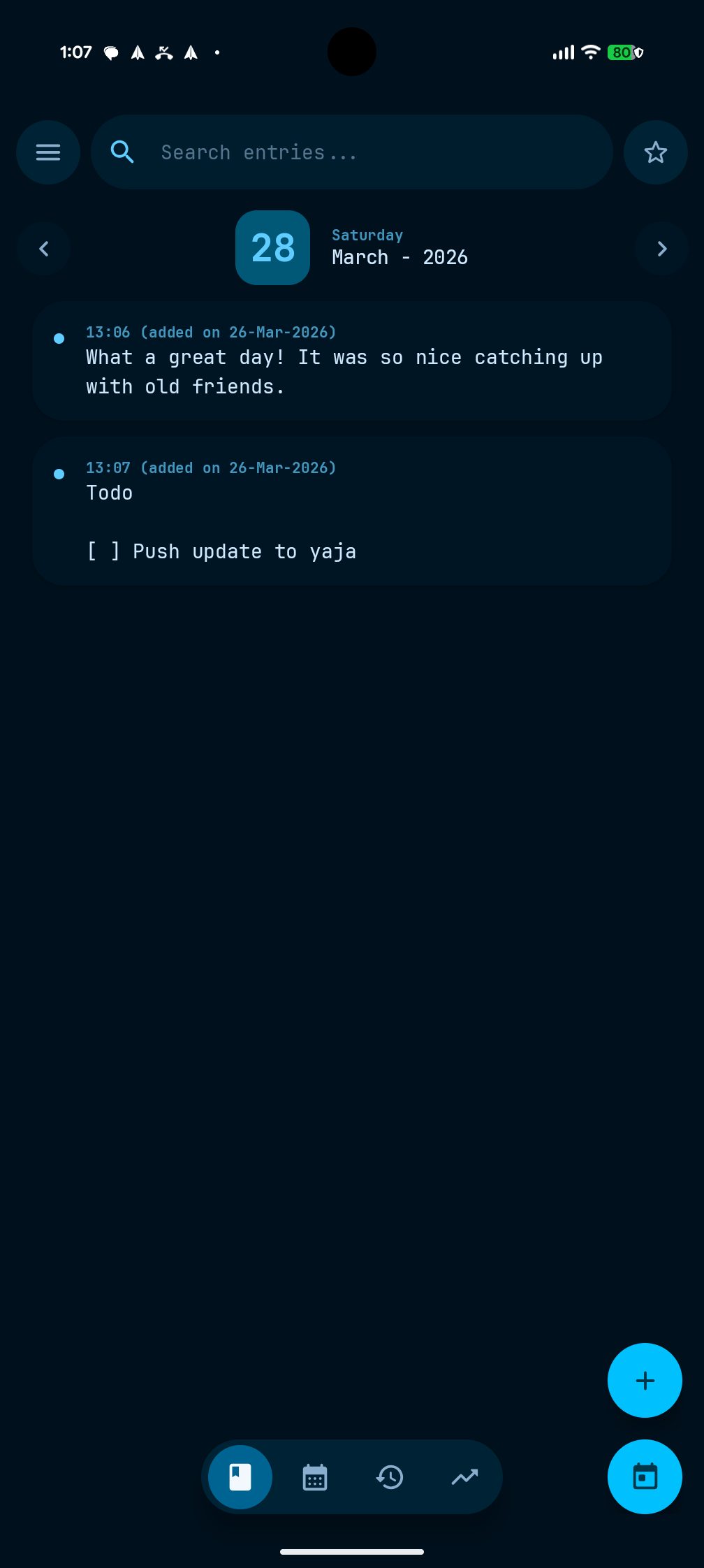
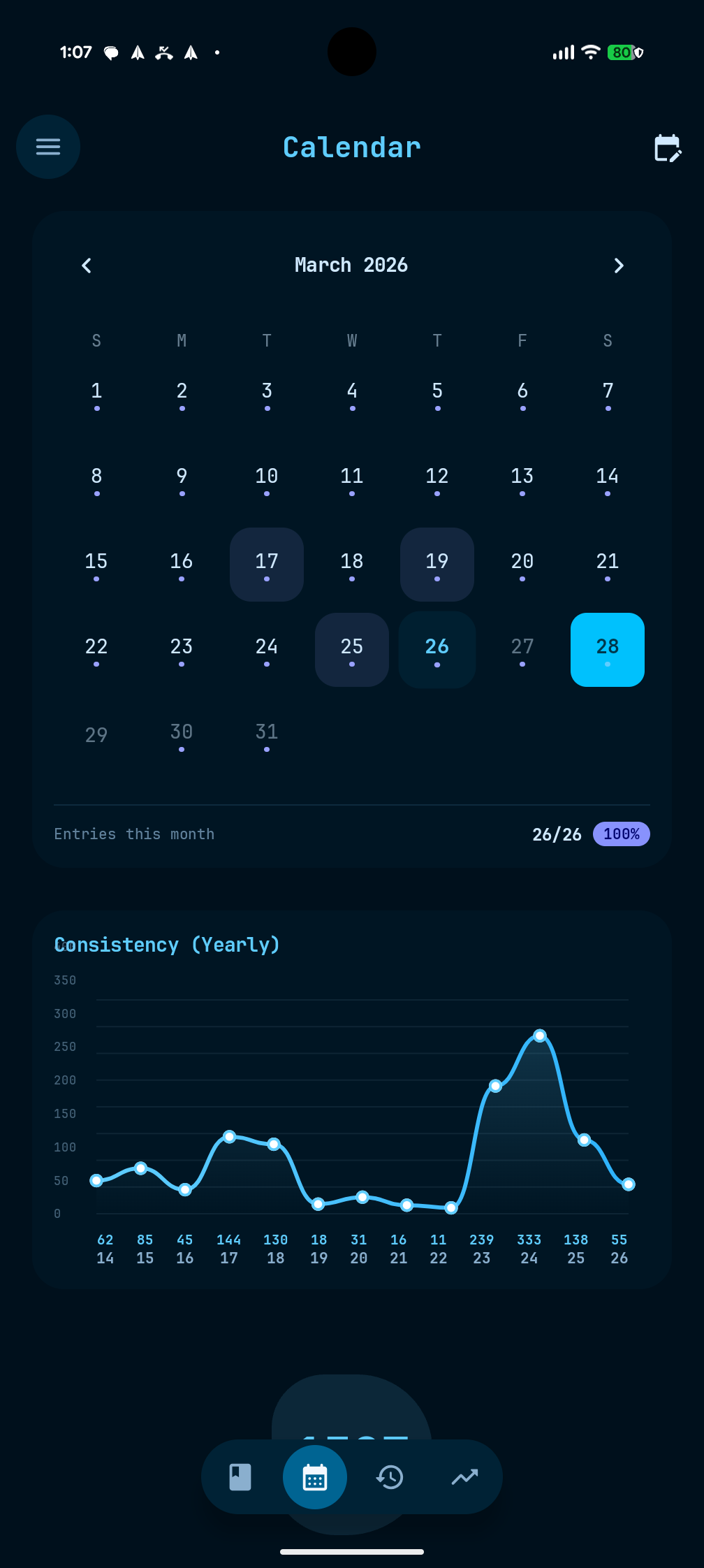
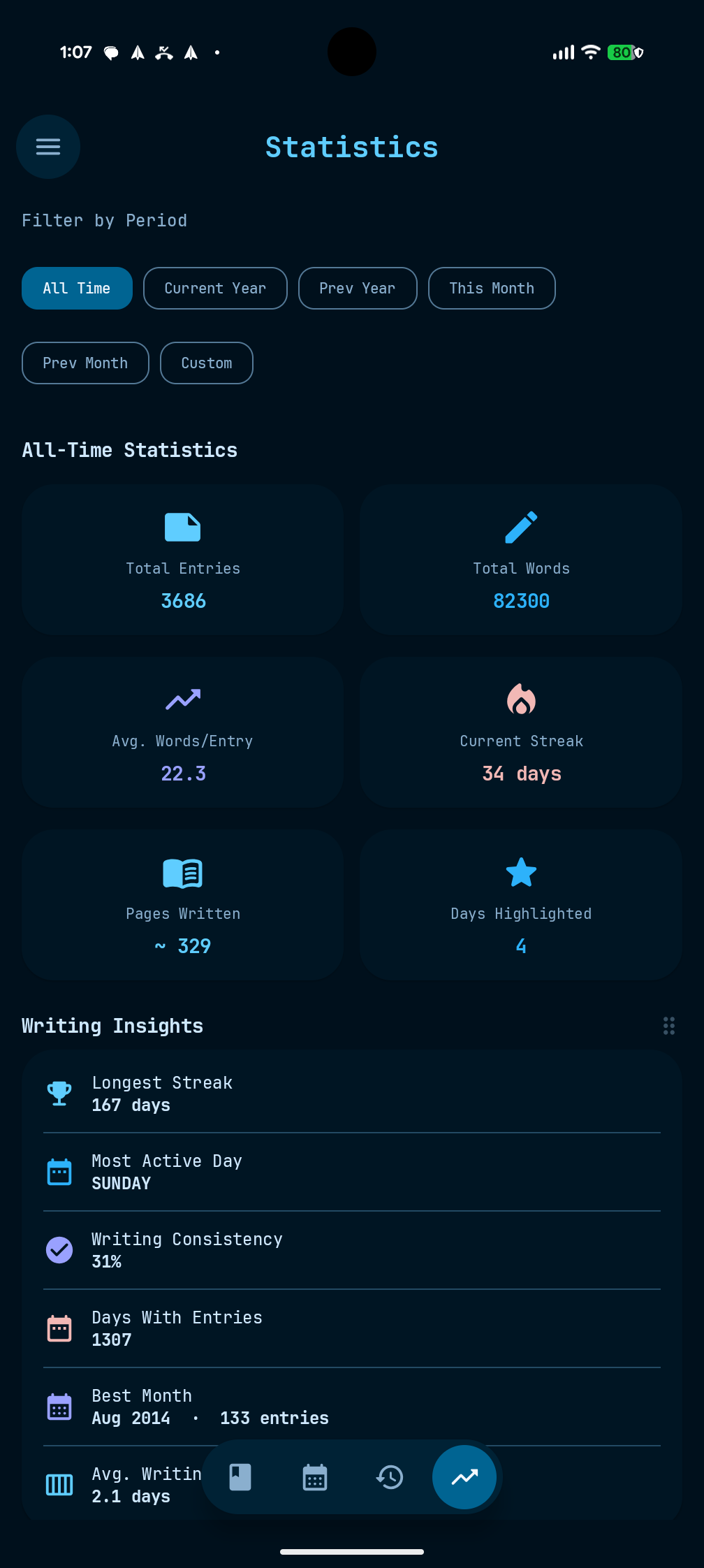
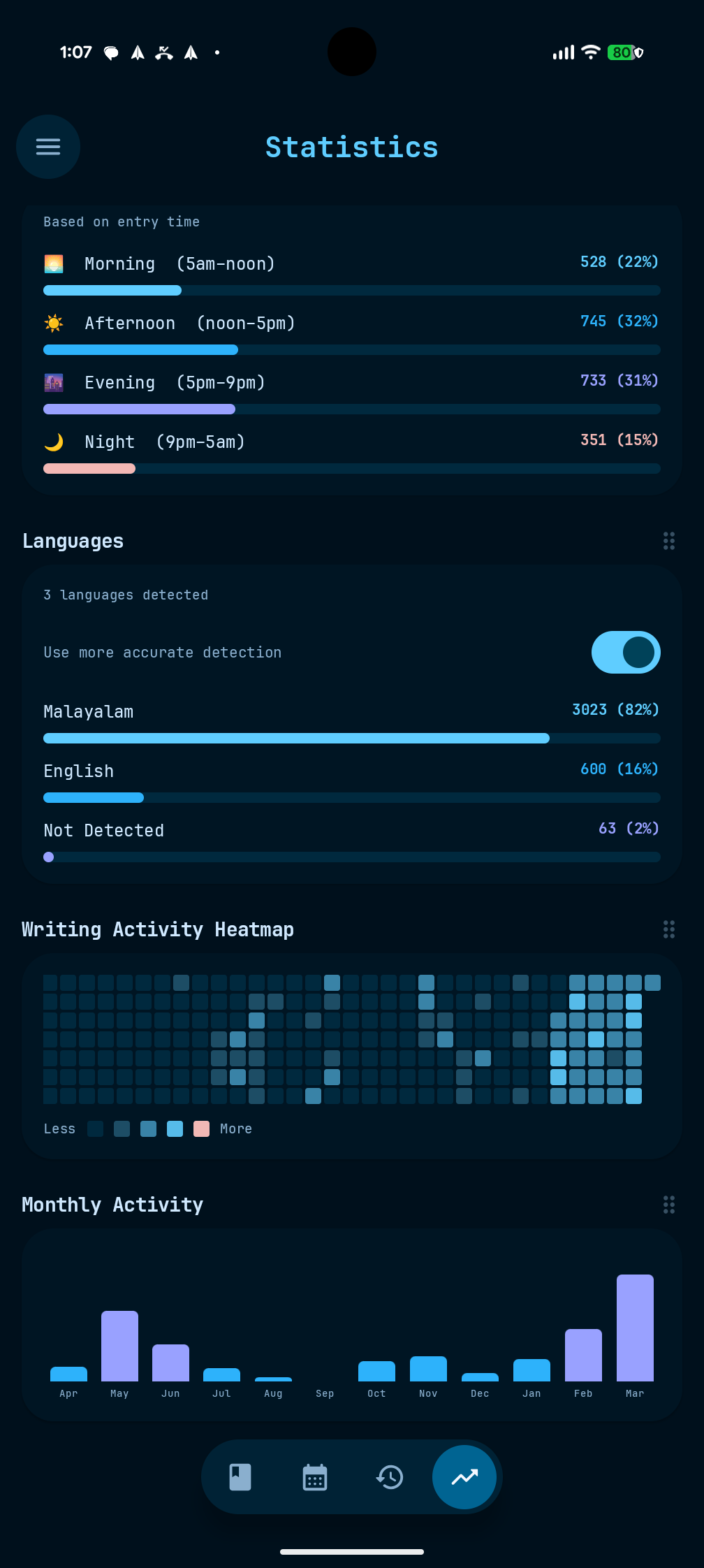
Your entries are saved as simple text files right on your device. You choose exactly where to store them. Backing up your journal is as easy as creating a ZIP file. There are no hidden databases or locked-in formats—just your words, entirely in your control.
Choose from light, dark, or true black themes, and find the perfect font and text size. Hide any navigation buttons you don't need, set your preferred start of the week, and easily reorder entries by dragging them. You can even pick custom shapes for your home screen widgets to match your style.
"Write down a passing thought or what you had for lunch; it doesn't have to be profound. Your words can just exist.